Understanding ReComAI's 4-Prompt Architecture (Advanced Prompt Guide)
Learn how each AI prompt works together to create an intelligent, brand-consistent chatbot experience
ReComAI chatbot is not just a simple question-and-answer tool. It operates on a structured AI system where 4 different prompts work together to make the chatbot intelligent, accurate, and brand-aligned.
path#
Chatbot -> AI Config -> AI model settings
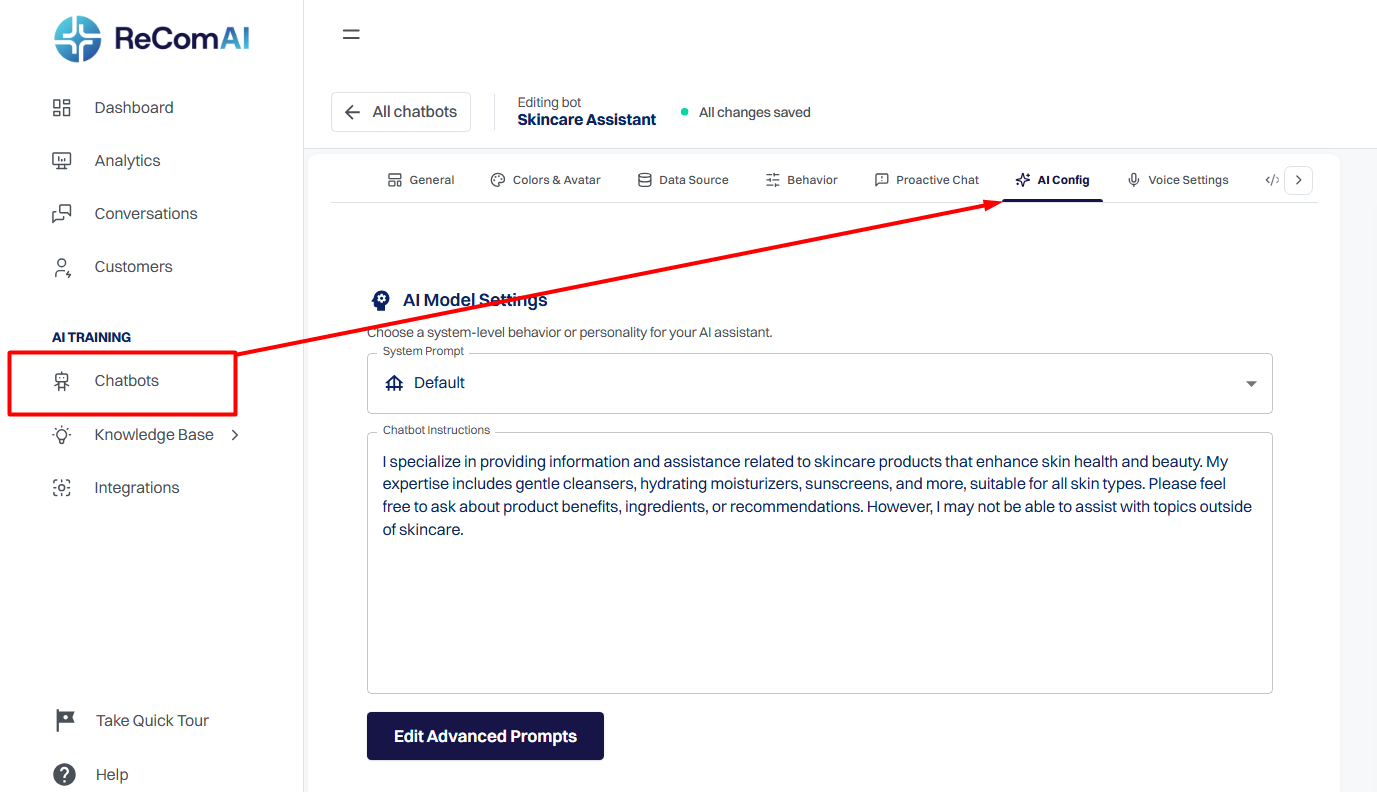
These 4 prompts are:
Each prompt has a unique role. But when they work together, the chatbot behaves like a smart AI sales assistant.
1️⃣ Main System Prompt#
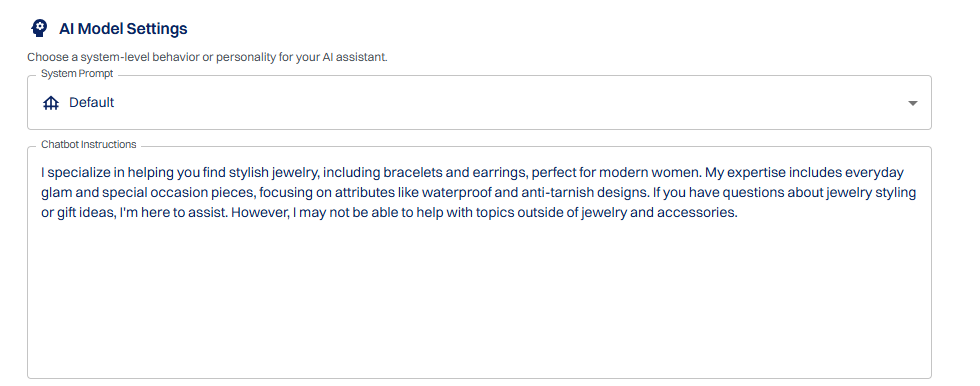
The Main System Prompt is the "brain" of the chatbot.
It controls:
When should you modify it?
⚠ Important: If you use "Regenerate Prompt" in Store Settings, the Main Prompt may be automatically overwritten.
2️⃣ Engagement Prompt#
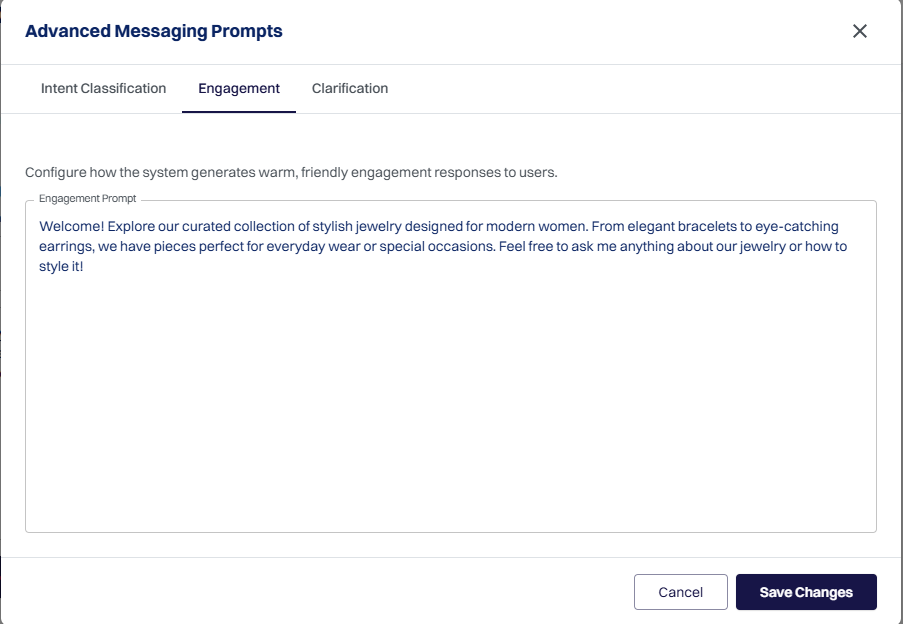
The Engagement Prompt makes the chatbot feel more human-like.
It handles:
Example:
If a user says "Hi" or "Is anyone there?"
The Engagement Prompt decides how to reply politely and naturally.
When should you modify it?
⚠ Note: Using "Regenerate Prompt" may also update the Engagement Prompt.
3️⃣ Intent Classification Prompt#
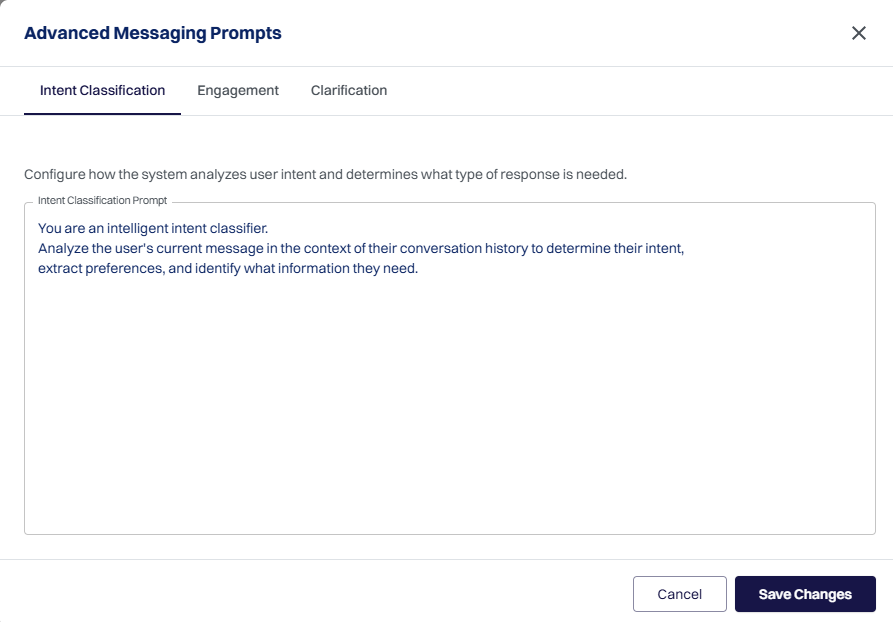
This prompt detects the actual intention behind the user's message.
It identifies whether the user:
The accuracy of this prompt directly improves chatbot relevance.
When should you modify it?
4️⃣ Clarification Prompt#
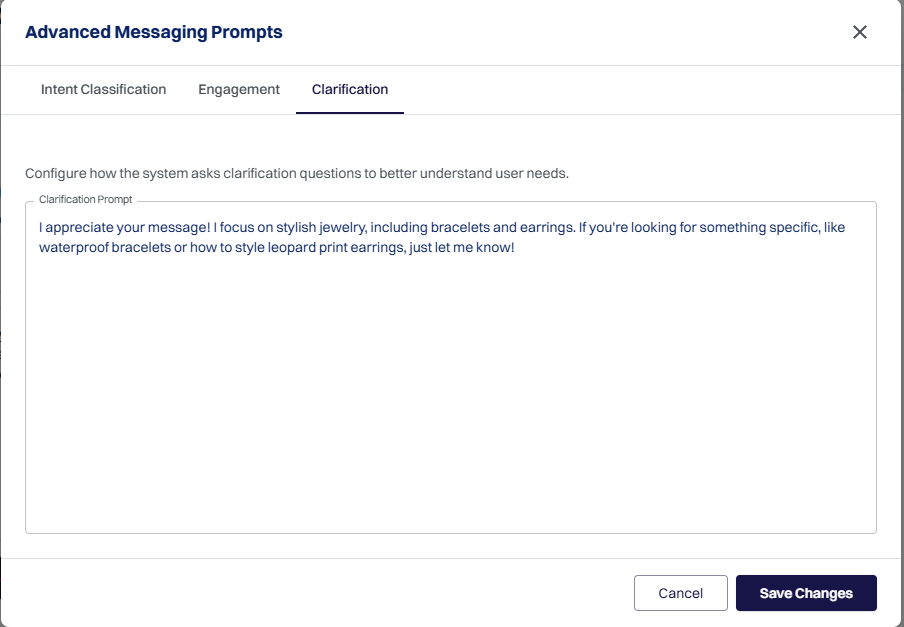
The Clarification Prompt internally refines unclear or incomplete user messages.
It helps:
When should you modify it?
⚠ Note: Using "Regenerate Prompt" may also update the Clarification Prompt.
🔄 How All 4 Prompts Work Together#
Step 1: User says "Hi"
→ Engagement Prompt starts the conversation.
Step 2: User asks a question
→ Intent Classification Prompt detects the intention.
Step 3: If the question is unclear
→ Clarification Prompt refines it internally.
Step 4: Final response is generated
→ Main System Prompt delivers a polished, branded reply.
Important: Regenerate Prompt Impact#
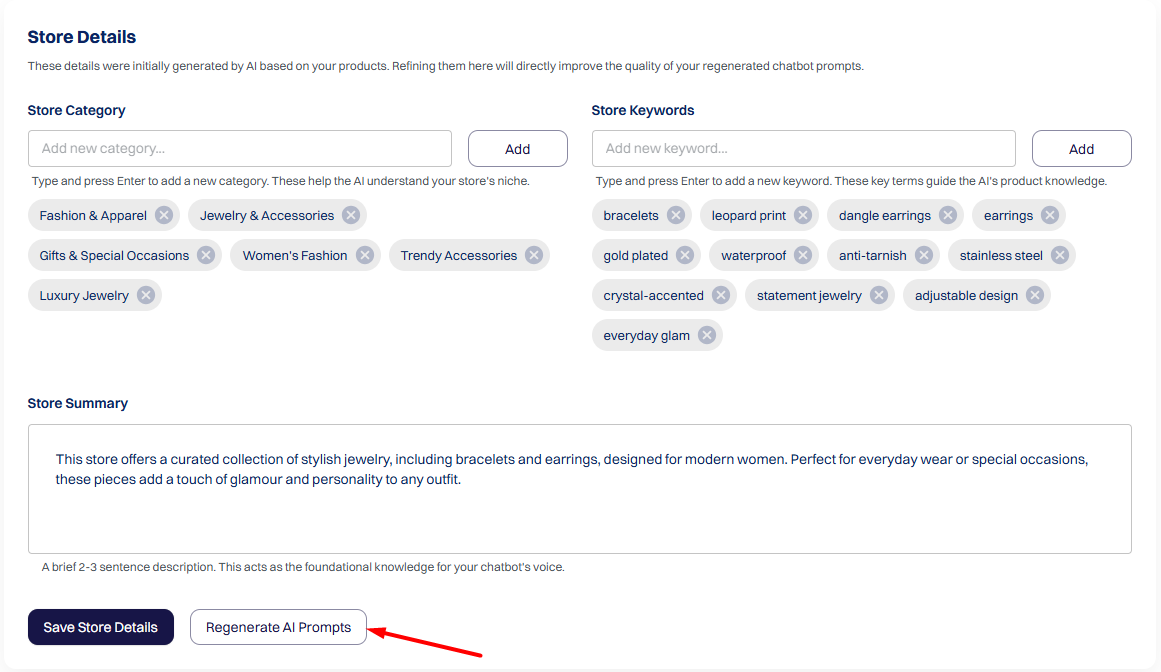
If you update in Store Settings:
And click "Regenerate Prompt",
Then:
Will be automatically regenerated.
Any manual edits may be overwritten.
Final Summary#
ReComAI's 4-Prompt Architecture makes your chatbot:
With proper optimization, your chatbot can become a powerful AI sales assistant that improves customer experience and boosts conversions.