Session-wise Token Limit for Chat Sessions
Control AI chat length, manage token usage, and ensure fair sessions
We've rolled out a new enhancement in our chatbot - the Session-wise Token Limit feature - designed to make every chat session smarter, faster, and more controlled.
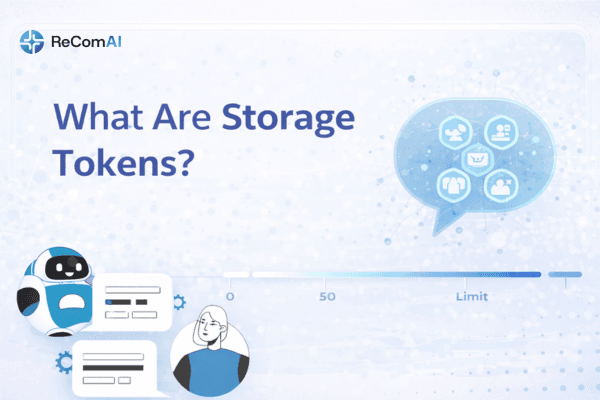
What is the Session-wise Token Limit?#
This feature lets the admin set a fixed token limit per chat session (for example, 1000 tokens per session). It helps manage how long users can chat with the bot within one session and ensures smooth, fair usage across all users.
How It Works#
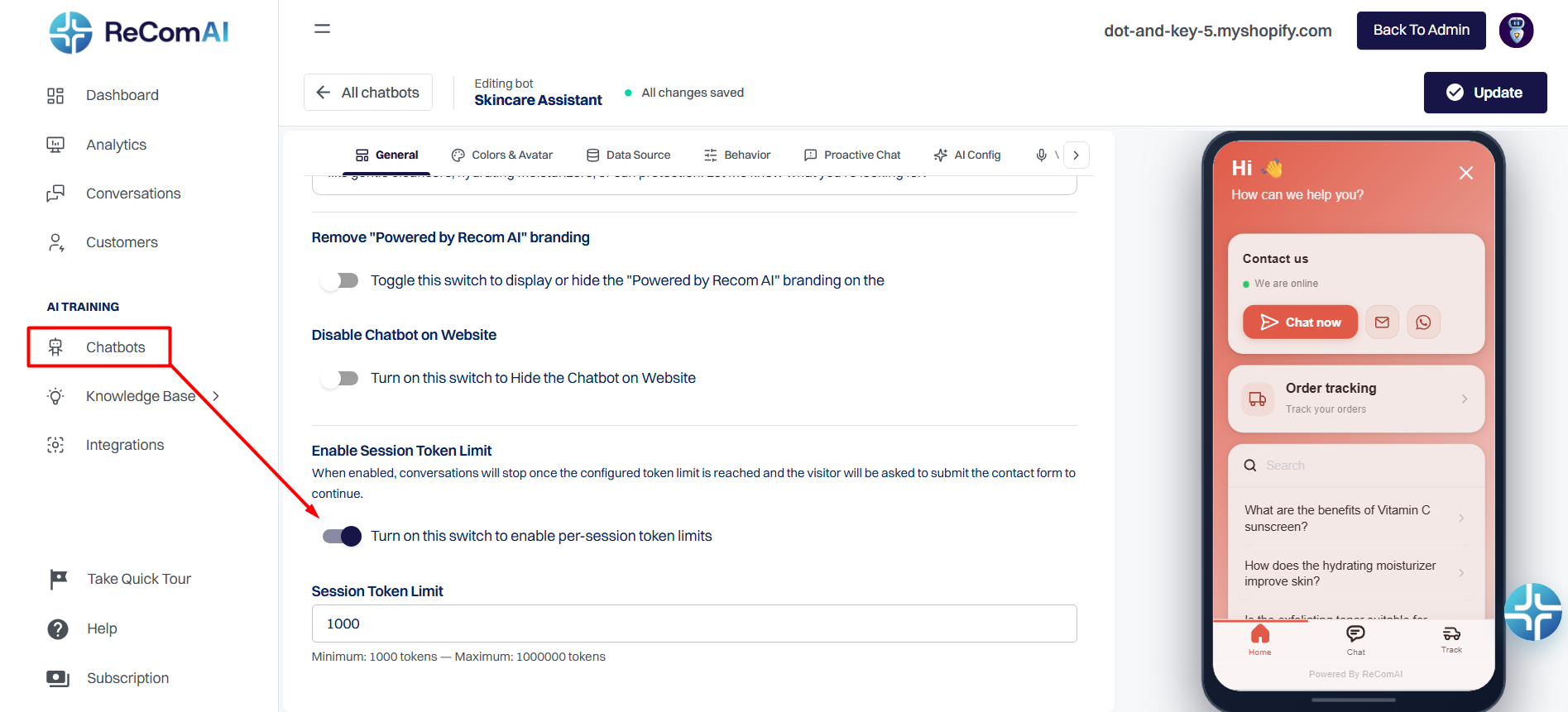
The admin can easily assign or update the token limit for each session.
When a user reaches the token limit, one of two cases will apply:
The chatbot will display a short form asking the user to provide required details, followed by a message:
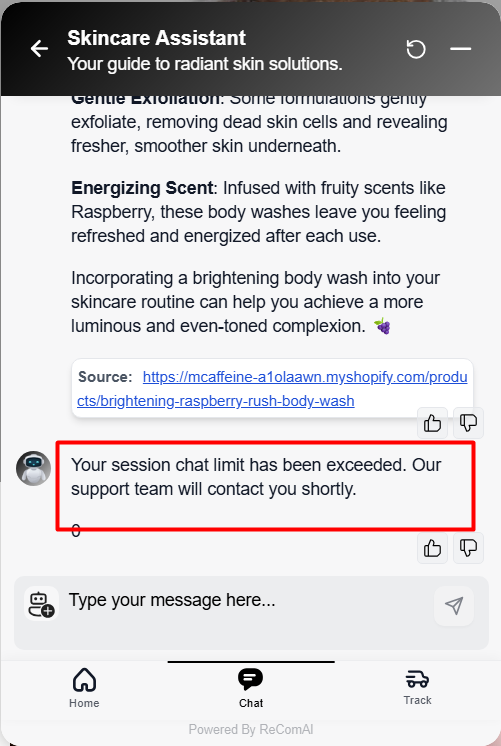
"Your session chat limit has been exceeded."
The chatbot directly displays the message:
"Your session chat limit has been exceeded."
After this, the user can no longer continue chatting with the AI bot.
Once the limit is reached, the system automatically switches the user to Support Mode, where any further messages are redirected to the supporteam instead of the AI.
Validation Rules#
Why This Feature Matters#