
/Integrations/Pinecone Free Setup Guide
Integrations
4 min read
feb 15, 2025
Verified Guide
Pinecone Free Setup Guide
Learn how to create a free Pinecone project and index for vector storage
This guide walks you through setting up Pinecone using the free plan. Pinecone is used for storing and searching vector embeddings efficiently.
This guide walks you through
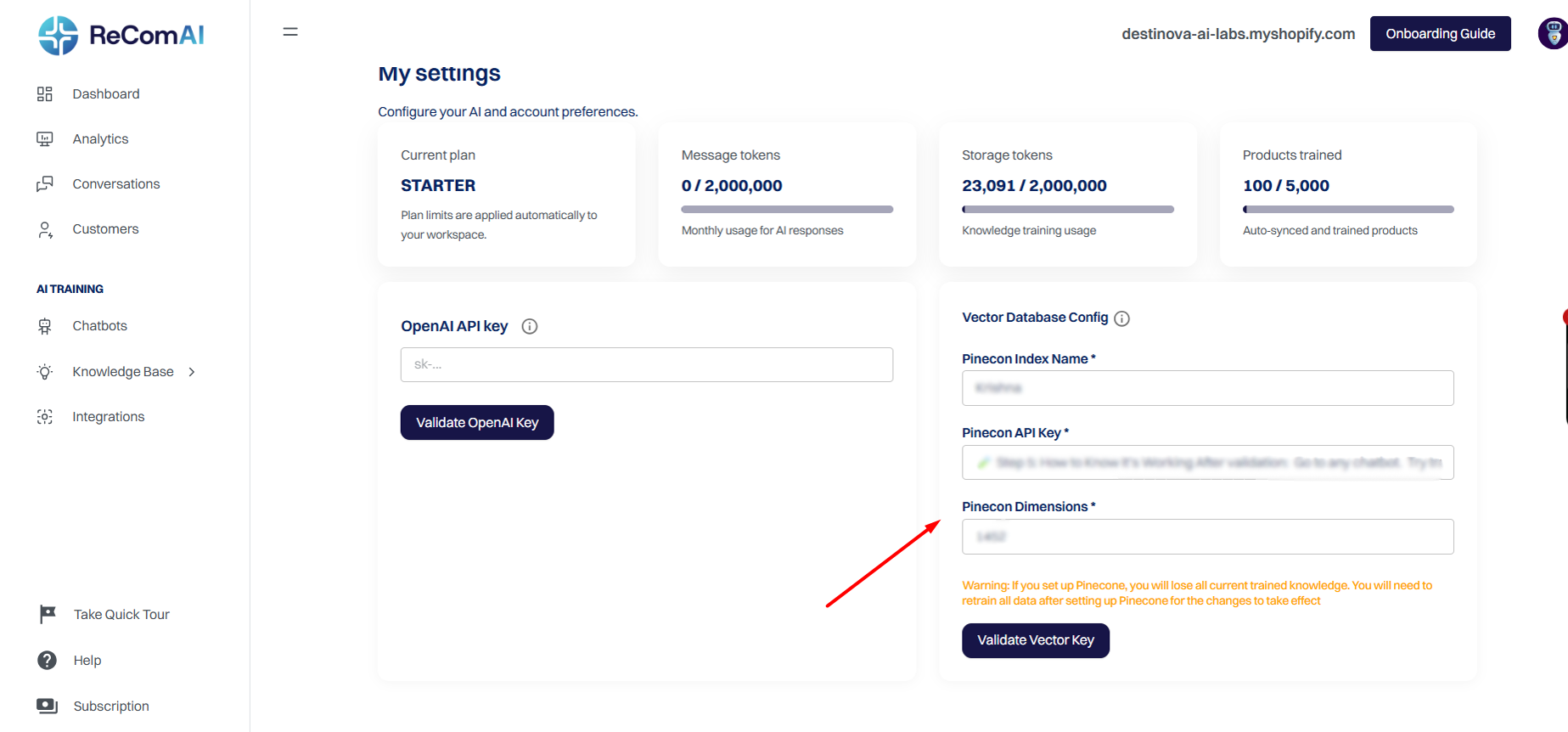
Visit https://www.pinecone.io/ and click "Get Started" or "Sign Up".
Create an account with your email or sign in with Google.
Verify your email address.
Log in to your Pinecone account
Open the dashboard where you can manage projects and indexes
Click on Create Project in the dashboard
Enter a project name (optional description can be added)
Click Create to continue
Go to the Indexes section
Click Create Index
Enter an index name (example:
my-first-index)Select a dimension size (example: 768)
Choose the Starter environment
Select a region and click Create Index
Navigate to the API Keys section
Copy your API key
Store it securely and do not share it publicly