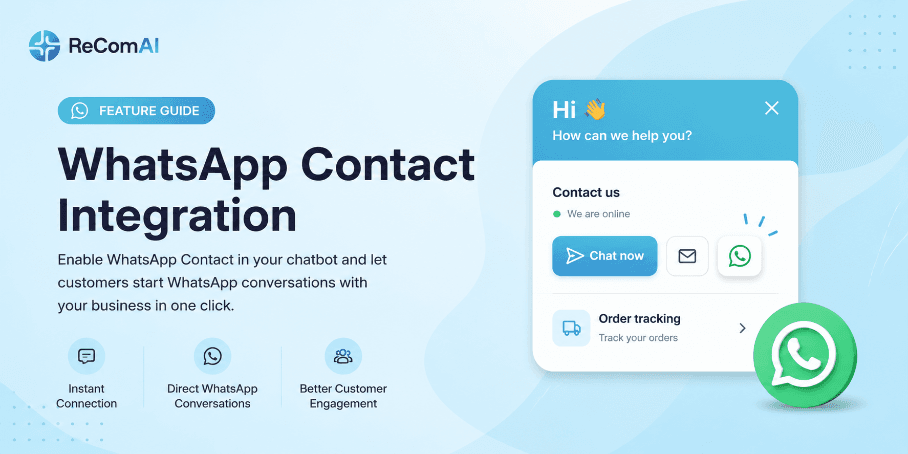
What's New: Chatbot UI Improvement Update
A complete overview of the new ReComAI chatbot UI and what has changed
Overview#
We have updated the ReComAI chatbot widget design to give your customers a better and more premium experience. This update focuses on making the chat easier to use, more attractive, and helps customers find the right features quickly - no matter what kind of store you run.
Why Did We Update the UI?#
Our previous chatbot design had a few issues that affected the customer experience:
Problem 1 - Order Tracking Was Hard to Find The Order Tracking button was placed inside the support section as a small icon. Most customers did not notice it and were unable to use the feature on their own.
Problem 2 - Chat UI Was Not Attractive The old chat interface did not give the premium look and feel that modern online stores need. Customers did not feel confident using it.
Problem 3 - Low Feature Engagement Because important features were hidden or not visible clearly, customers were not using them - which meant more manual support work for the store team.
What Has Changed in the New UI?#
The home screen now shows all key features clearly in separate cards so customers can find what they need in one look.
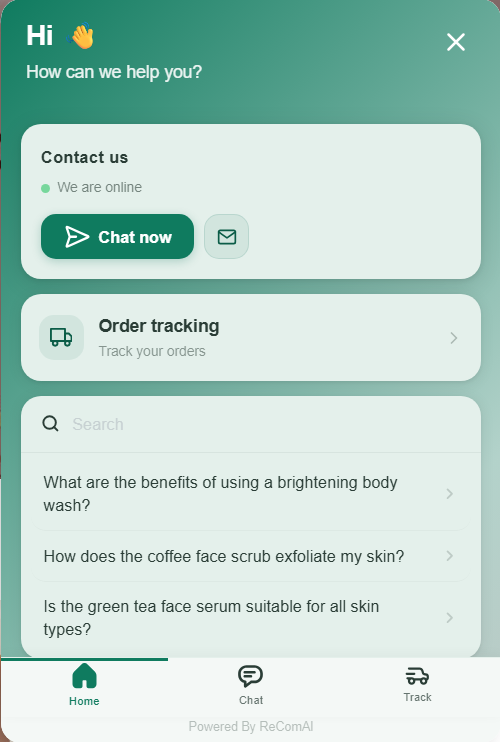
Order Tracking is no longer hidden inside an icon. It now has its own dedicated card on the home screen with a truck icon and the label "Track your orders" so every customer can see it immediately.
The new chatbot widget comes with 5 default color themes so you can match it with your store's look:
You can select any of these default themes from your ReComAI dashboard. If you want a fully custom color to match your brand, you can enter your own color code manually in the settings.
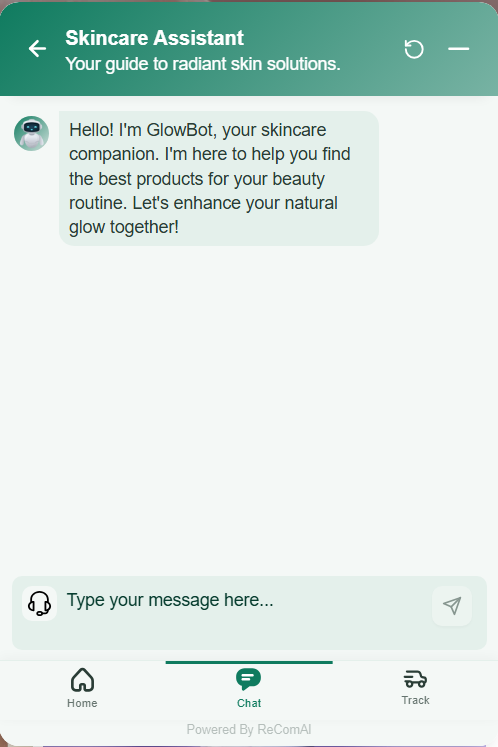
The chat screen now shows:
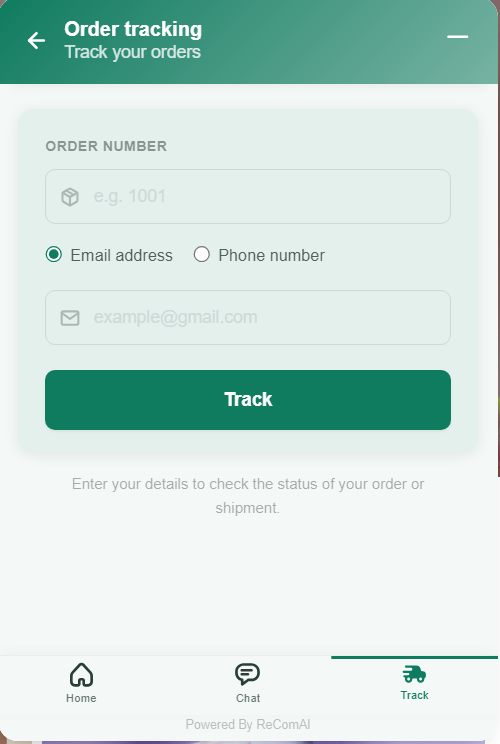
The tracking page now has a simple and clean form where customers can:
All three main features are now accessible from a fixed bottom navigation bar:
Customers can switch between these three sections anytime without going back to the main screen.
How Does This Help Your Business?#
Need Help?#
If you have any questions about the new chat UI or need help setting it up on your store, our support team is available.
👉 Chat with us directly using the chat widget on your screen 👉Email us at: hello@recomai.one