

Introduction:
Deploying an AI chatbot on your website is no longer a complex or developer-heavy task. In 2026, businesses of all sizes are using AI bots to improve customer engagement, automate support, and increase conversions. Whether you run a WordPress site or a custom website, an AI chatbot can be integrated smoothly with the right approach and tools.
This guide walks you through the complete process of deploying your first AI bot - from preparation to go-live - using a simple, business-friendly approach powered by solutions like ReCom AI.
Step 1: Define the Purpose of Your AI Bot

Before adding an AI bot to your website, it's important to clearly define what you want the bot to achieve. A chatbot without a defined goal often leads to poor user experience.
Your AI bot may be designed to handle customer support queries, guide users to the right products, assist with lead generation, or provide instant answers to FAQs. By identifying the primary objective early, you ensure the chatbot delivers meaningful value rather than just existing as a feature.
Step 2: Choose the Right AI Chatbot Platform

The success of your AI bot depends heavily on the platform you choose. A modern AI chatbot platform should be easy to integrate, scalable, and capable of understanding user intent.
When selecting a platform, look for features such as natural language understanding, website compatibility, customization options, and data security. Platforms like ReCom AI are built to work seamlessly with both WordPress and custom websites, making deployment fast and efficient without heavy technical effort.
Step 3: Prepare Your Website Content
An AI bot performs best when it has access to accurate and relevant information. Before deployment, organize the content you want the bot to learn from. This may include FAQs, product descriptions, service pages, policies, and common customer queries.
Clean, well-structured content helps the AI provide precise answers and improves conversation quality. This step directly impacts how intelligent and helpful your chatbot feels to users.
Step 4: Install the AI Bot on WordPress or Website
Installing an AI bot on WordPress or a website is typically a straightforward process. Most platforms provide a plugin or a simple script that can be added to your site.
For WordPress users, installation often involves activating a plugin and connecting it to your AI chatbot account. For ecommerce and Shopify users, ReCom AI is available via the Shopify App Store, enabling quick and seamless setup. For non-WordPress websites, adding a small JavaScript snippet to the site header or footer is usually sufficient.
Step 5: Configure Conversations & Responses
After installation, the next step is configuring how your AI bot interacts with visitors. This includes setting the tone of responses, defining greeting messages, and mapping common customer intents.
Instead of relying only on fixed scripts, modern AI bots like ReCom AI use intent-based conversations. This allows the bot to understand what users mean, even when questions are phrased differently, resulting in more natural and helpful interactions.
Step 6: Test the AI Bot Before Going Live
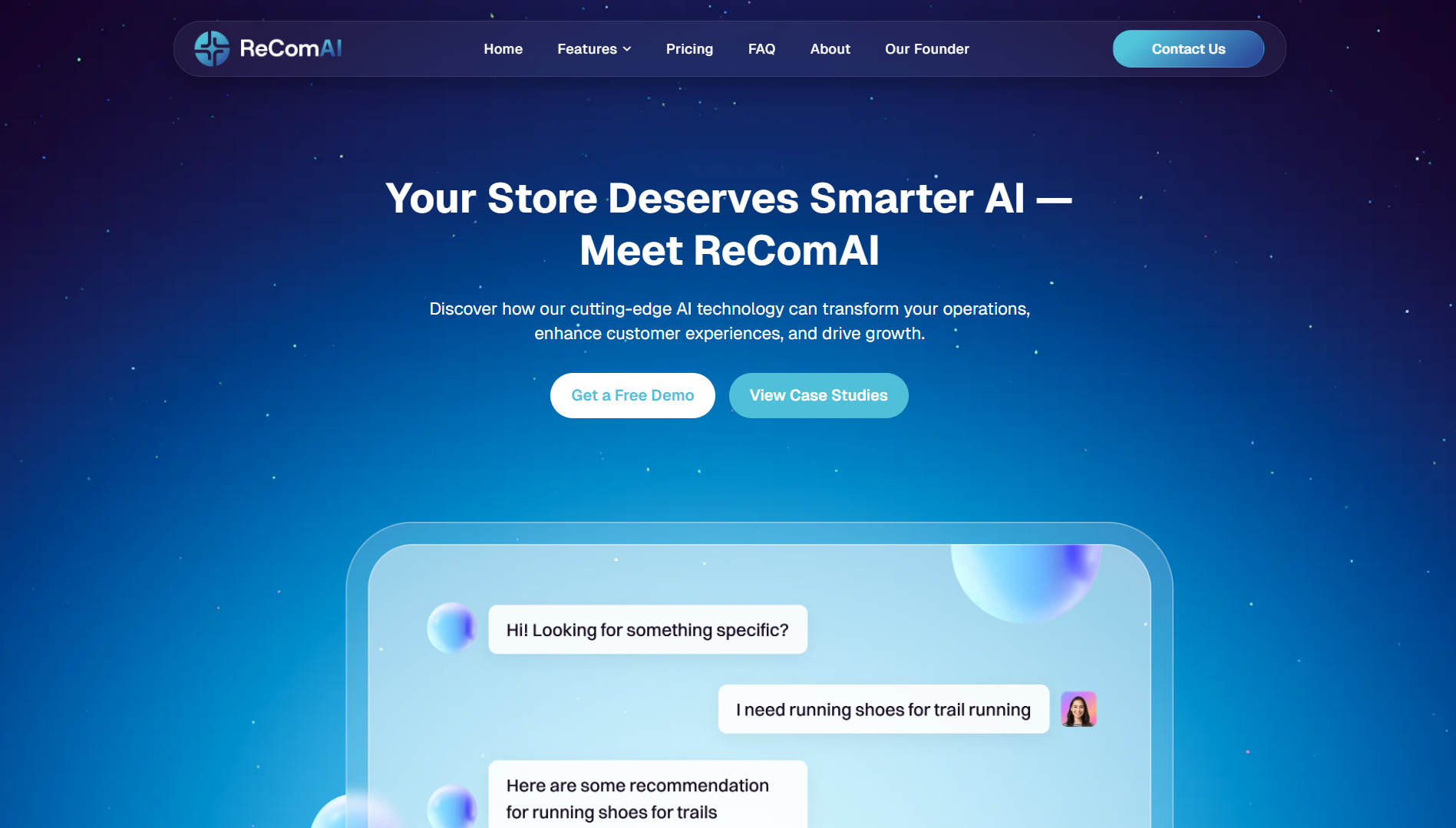
Testing is a crucial step that should never be skipped. Before making the chatbot live, simulate real user conversations and check how the bot responds to different queries.
Testing helps identify gaps in knowledge, incorrect responses, or conversation flows that need improvement. This ensures your AI bot delivers a smooth and reliable experience from day one.
Step 7: Go Live and Monitor Performance
Once testing is complete, your AI bot is ready to go live. After launch, monitor chatbot performance regularly to understand how users are interacting with it.
Analytics such as response accuracy, conversation volume, and user engagement provide valuable insights. These insights help refine the bot over time, making it smarter and more effective.
Step 8: Optimize and Improve Over Time
AI chatbots improve with continuous learning. Regularly updating content, refining prompts, and analyzing customer conversations ensures long-term success.
As your business grows, your AI bot should evolve alongside it - handling more complex queries, supporting new products, and delivering increasingly personalized experiences.
Why ReCom AI Is Ideal for Website & WordPress Deployment
ReComAI is designed for fast, secure, and scalable deployment across websites and WordPress platforms. With intent-based intelligence, easy integration, and enterprise-grade security, ReCom AI helps businesses deploy AI bots without complexity.
Businesses using ReCom AI benefit from faster customer responses, improved engagement, and reduced support workload - all through a simple deployment process developed by Destinova AI Labs
Conclusion
Deploying your first AI bot on WordPress or a website doesn't require deep technical expertise. With the right strategy and platform, businesses can quickly launch AI-powered conversations that deliver real value.
AI chatbots are no longer a future concept - they are a present-day necessity. By deploying an AI bot today, you take a powerful step toward better customer experience and smarter business growth.
👉 Ready to deploy your AI bot? Start your journey with ReCom AI and transform how your website communicates with customers.